

Shop by category
Cases & Covers
Phone cases are cut to a specific body, camera island and button layout. Match the complete model name before comparing silicone, rigid-shell, camera-cover or magnetic designs. Redmi 15 is not Redmi 15C, and Redmi Note Pro, Pro Plus, 4G and 5G labels can indicate different dimensions even when the family name looks similar.
 Sale
Sale
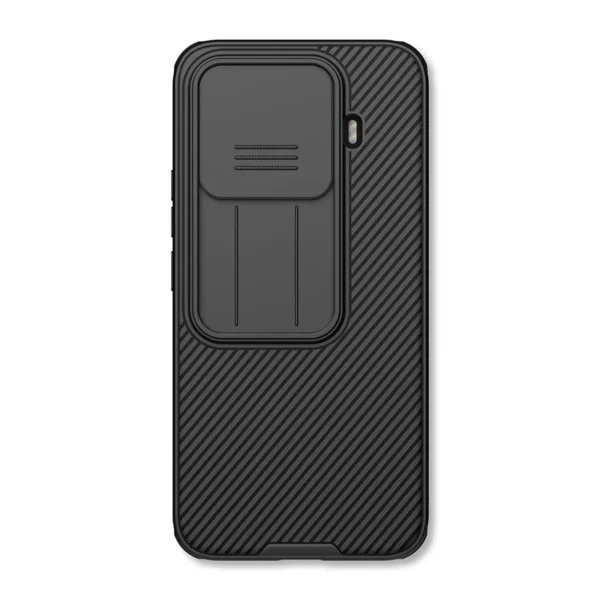
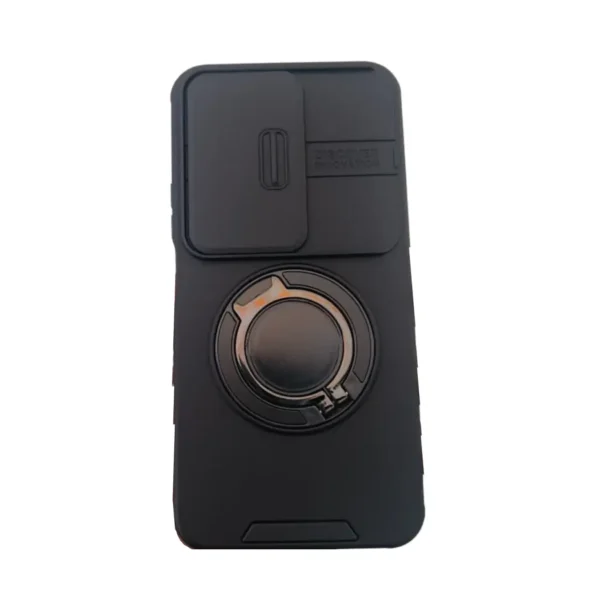
Back Cover for Redmi 15 with Slide Camera Lens Protective Cover
In stock
 Sale
Sale
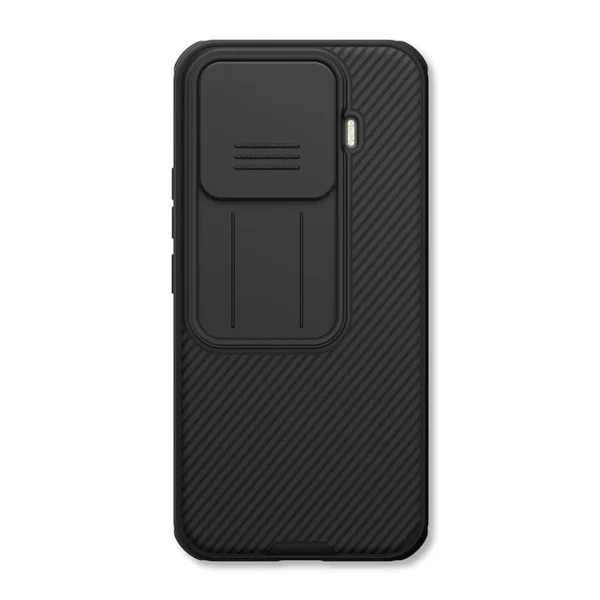
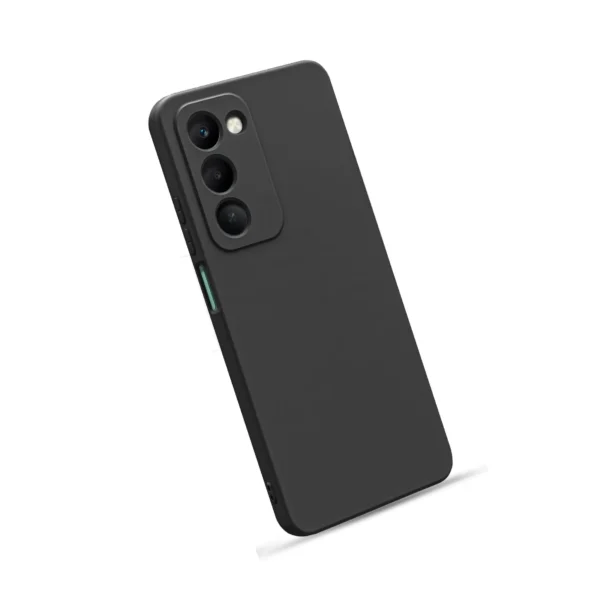
Redmi 15 Silicone Back Cover
In stock
 Sale
Sale
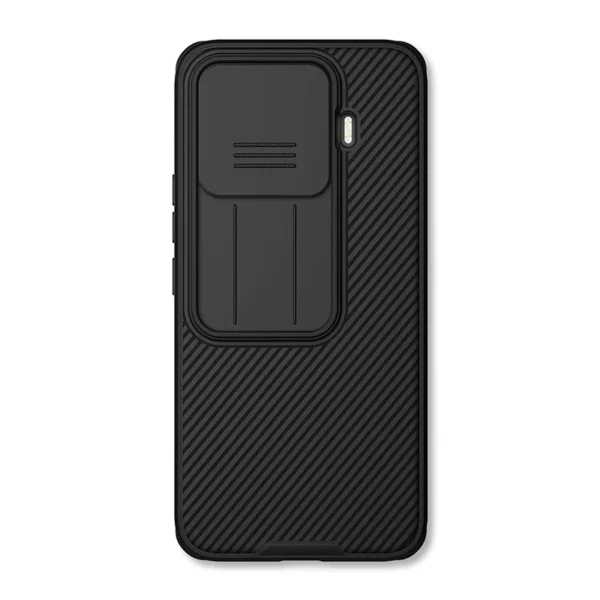
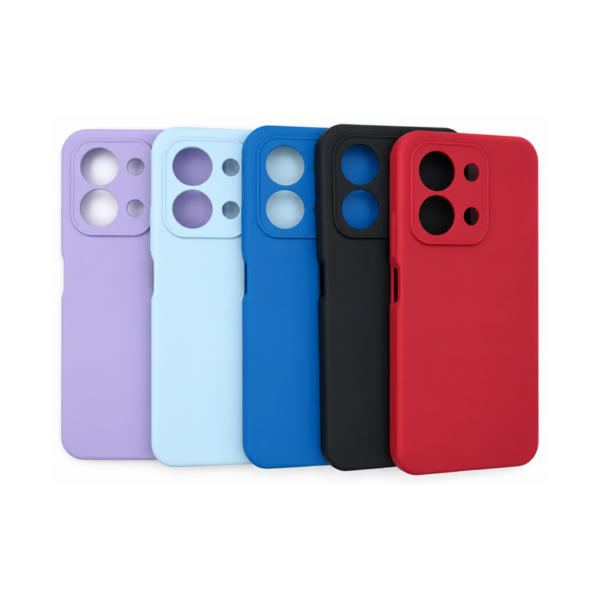
Redmi 15C Silicone Cover
In stock
 Sale
Sale
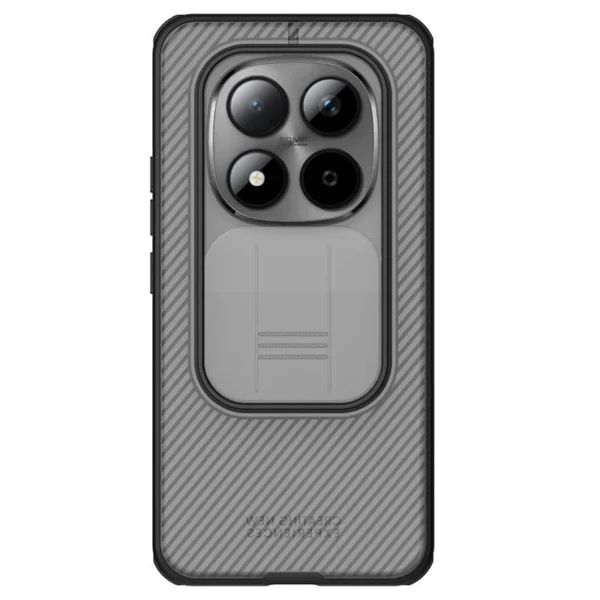
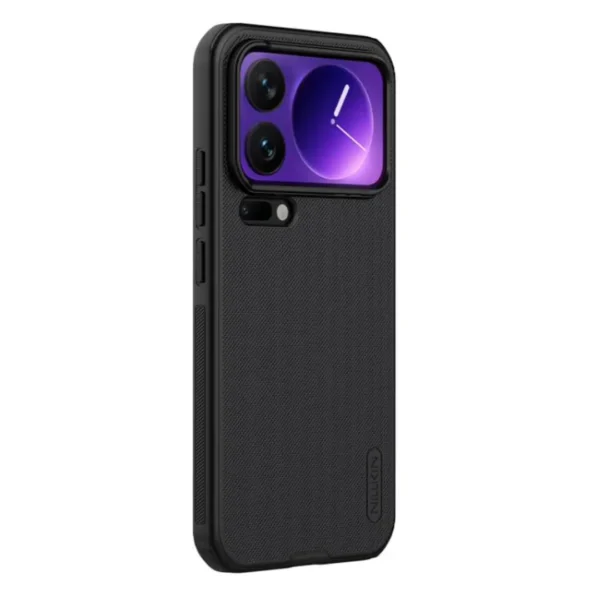
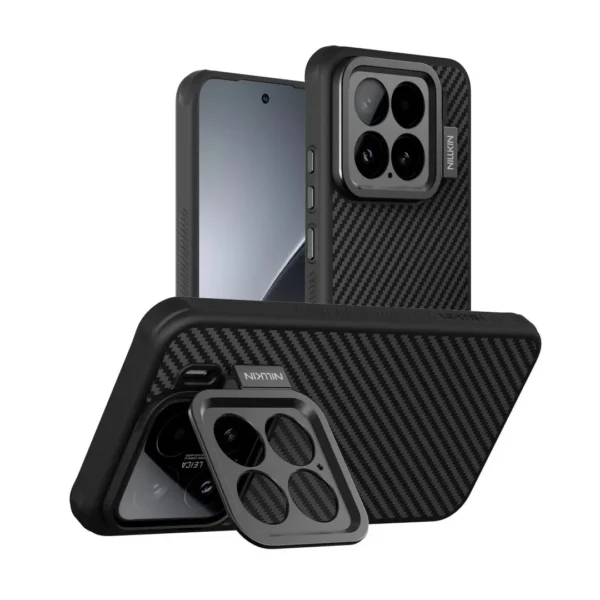
Xiaomi 17 Pro Max Nillkin Case Black
In stock
 Sale
Sale
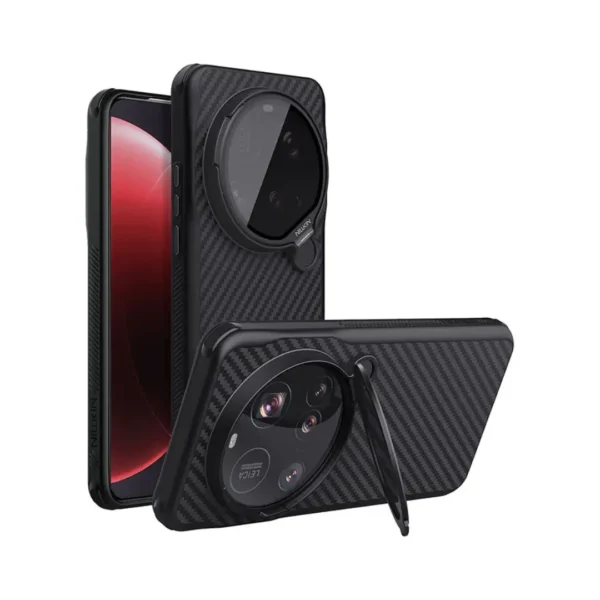
Nillkin Magnetic Case for Xiaomi 15 Pro
In stock
 Sale
Sale
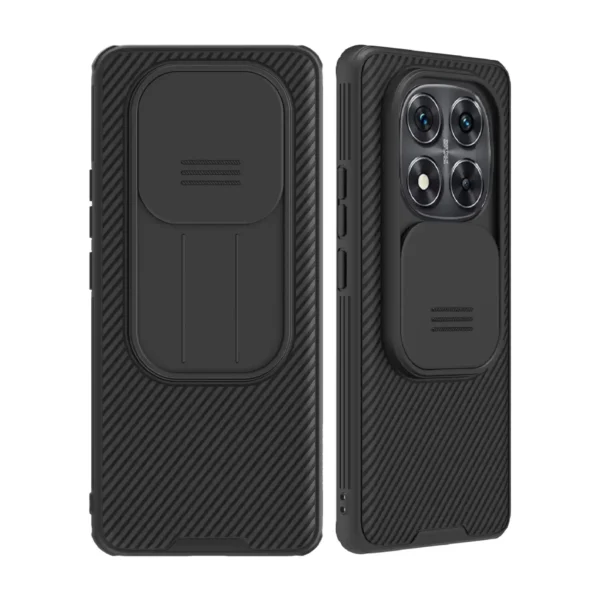
Nillkin Back Cover for Xiaomi 15 Ultra
In stock
 Sale
Sale
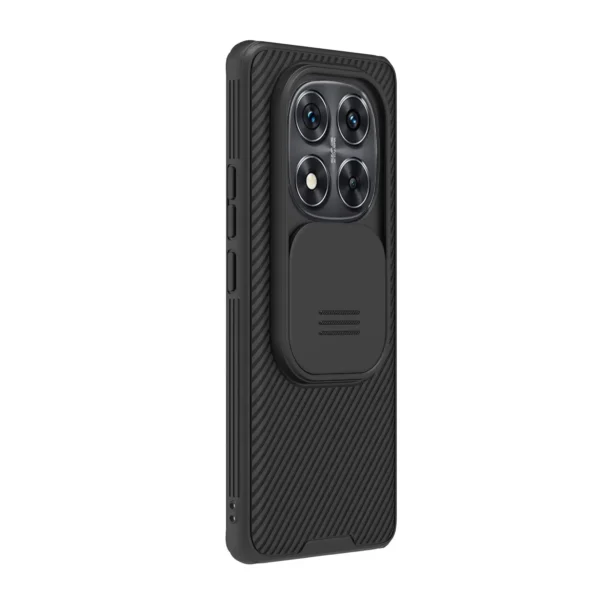
Redmi Note 14 Pro Plus 5G Nillkin Cam Shield Back Cover
In stock
 Sale
Sale
Xiaomi Redmi Note 14 Pro 4G Nillkin Camshield Back Cover
In stock
 Sale
Sale
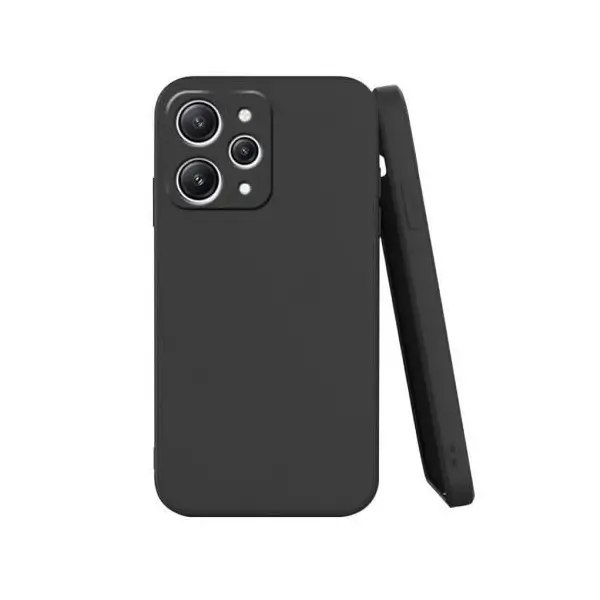
Redmi 12 Back Cover (Black)
In stock
Fit is the first feature
Use the phone’s About screen, box or model code to establish its exact identity. Then compare how the case covers corners, buttons, ports and the camera area. A sliding camera shield adds a moving protective element, while a simpler silicone cover prioritises grip and everyday handling.
Nillkin cases in this group name specific Xiaomi and Redmi models. Match that full model name first, then check the stated material, magnet design and wireless-charging support for the individual case instead of assuming those features are shared. A word such as “magnetic” does not by itself prove a particular charging standard. If a screen protector is also fitted, check whether the case lip crowds its edges. Family resemblance is never a substitute for the exact device designation.
Latest Cases & Covers Prices in Kenya 2026
| Product | Price in Kenya |
|---|---|
| Nillkin CamShield Pro Case For Xiaomi 15T Pro | KSh 1,999VAT exclusive |
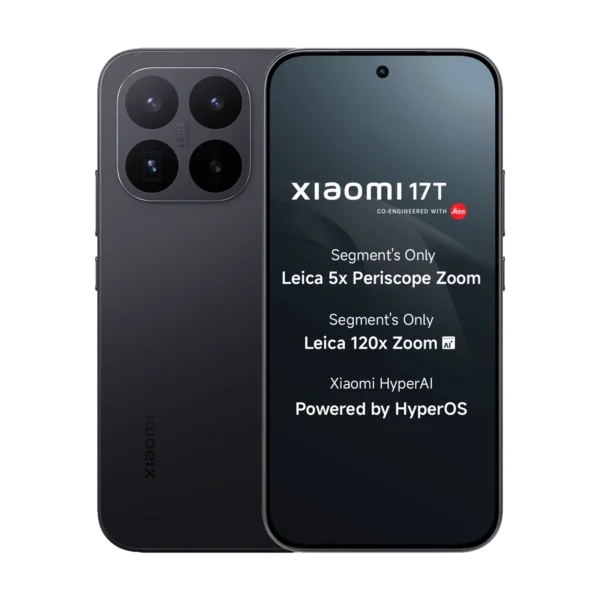
| Nillkin CamShield Pro Case For Xiaomi 17T | KSh 1,999VAT exclusive |
| Nillkin CamShield Pro Case For Xiaomi 17T Pro | KSh 1,999VAT exclusive |
| Nillkin CamShield Pro Case For Poco M8 Pro 5G | KSh 1,999VAT exclusive |
| Nillkin CamShield Pro Case For Redmi Note 15 Pro Plus | KSh 1,999VAT exclusive |
| Back Cover for Redmi 15 with Slide Camera Lens Protective CoverSALE | KSh 599 |
| Redmi 15 Silicone Back CoverSALE | KSh 599 |
| Redmi 15C Silicone CoverSALE | KSh 499 |
| Xiaomi 17 Pro Max Nillkin Case BlackSALE | KSh 2,999 |
| Nillkin Magnetic Case for Xiaomi 15 ProSALE | KSh 2,999 |
| Nillkin Back Cover for Xiaomi 15 UltraSALE | KSh 2,999 |
| Xiaomi Redmi Note 14 Pro 4G Nillkin Camshield Back CoverSALE | KSh 1,999 |
| Redmi Note 14 Pro Plus 5G Nillkin Cam Shield Back CoverSALE | KSh 1,999 |
| Redmi 12 Back Cover (Black)SALE | KSh 599 |
Frequently Asked Questions About Cases & Covers
Compare the full phone name, including generation, Pro or Plus suffix and 4G or 5G version, with the accessory listing. Camera opening, port and button positions should all match.
No. Magnetic attachment and wireless-charging compatibility are different claims. The phone, case design, magnet alignment and charging standard must all be supported.
It can physically cover the camera area when closed, but it also adds a moving part and extra thickness. Check that it opens freely and does not obstruct the lenses or flash.
Yes. A raised or tight case edge can press against some protectors. Compare the case lip and protector coverage, especially on curved displays or edge-to-edge glass.
Not unless the manufacturer explicitly lists both. Network suffixes can accompany changes in body size, camera layout or button placement, so treat them as separate models by default.