














Shop by category
Networking
Weak coverage has three different fixes. A router creates and manages the main home network, an extender repeats an existing signal into a nearby weak area, and a mesh system coordinates multiple nodes under one network. Diagnose where the connection fails before comparing speed labels: internet entry point, isolated dead zone or a multi-room coverage problem.
 Sale
Sale
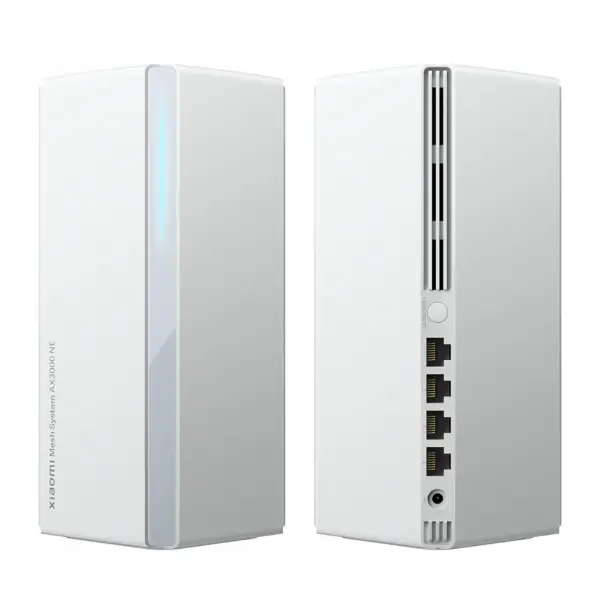
Xiaomi Mesh System AX3000 WiFi 6 Router NE (1 pack)
In stock
 Sale
Sale
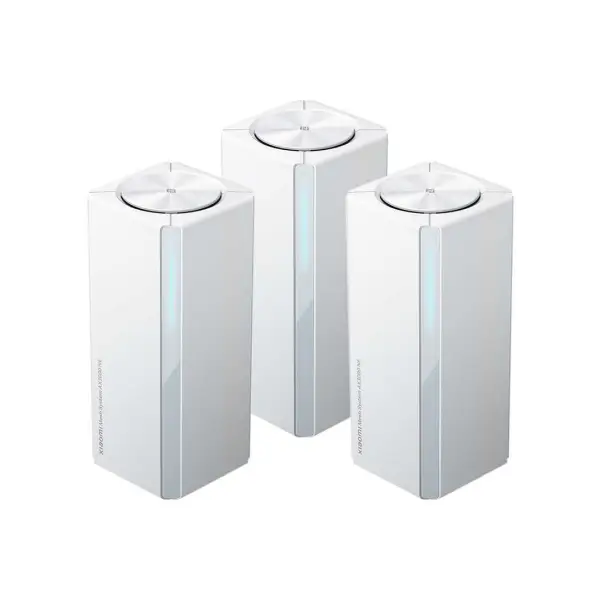
Xiaomi Mesh System AX3000 NE, 3 Pack
In stock
 Sale
Sale
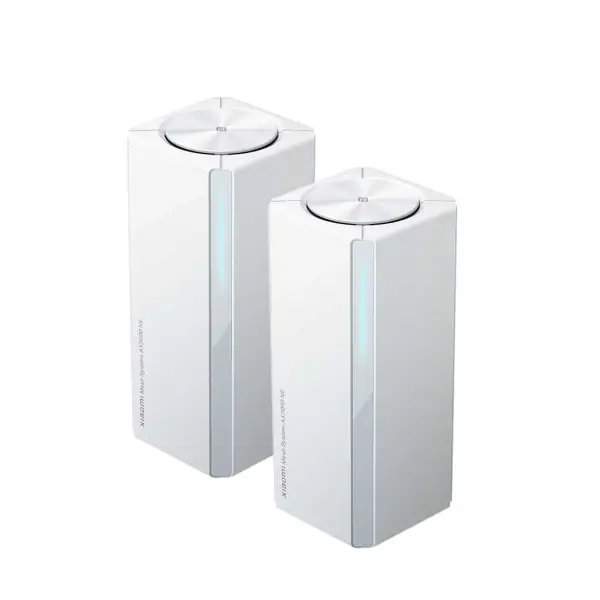
Xiaomi Mesh System AX3000 WiFi 6 Router NE (2 pack)
In stock
 Sale
Sale
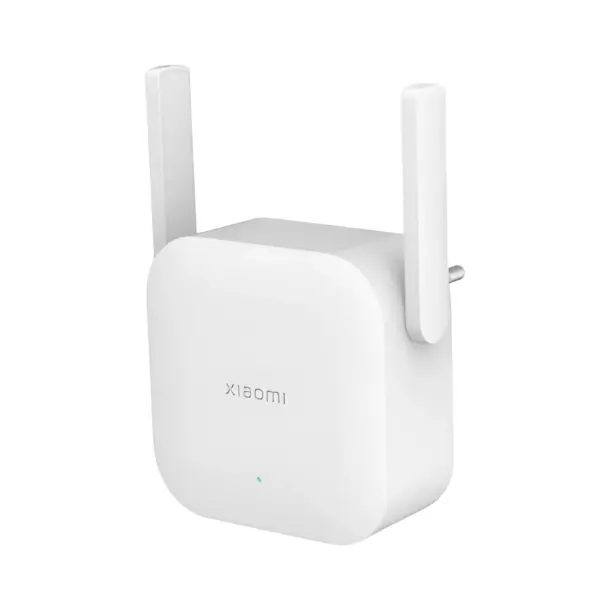
Xiaomi WiFi Range Extender N300
In stock
 Sale
Sale
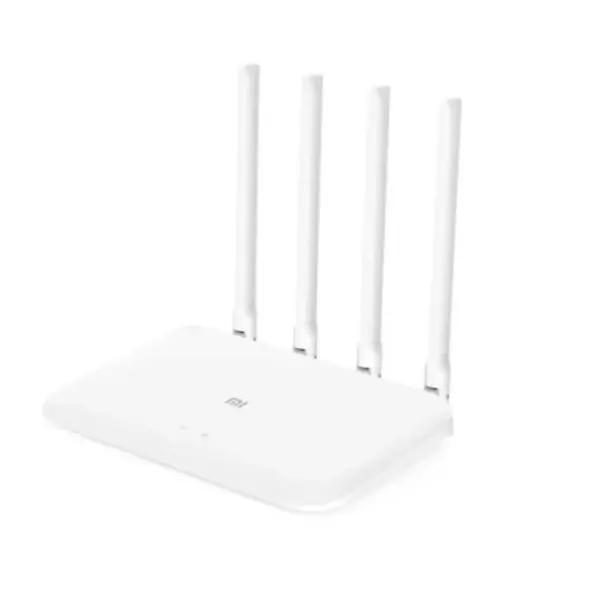
Xiaomi Mi Router 4A
In stock
 Sale
Sale
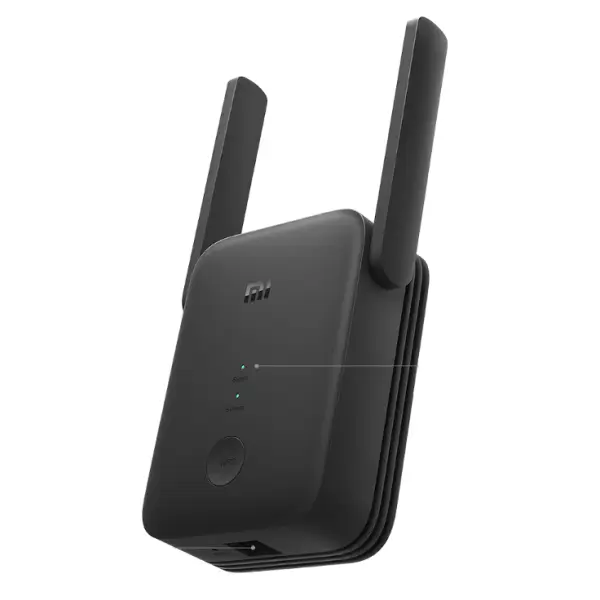
Xiaomi Mi WiFi Range Extender AC1200
In stock
 Sale
Sale
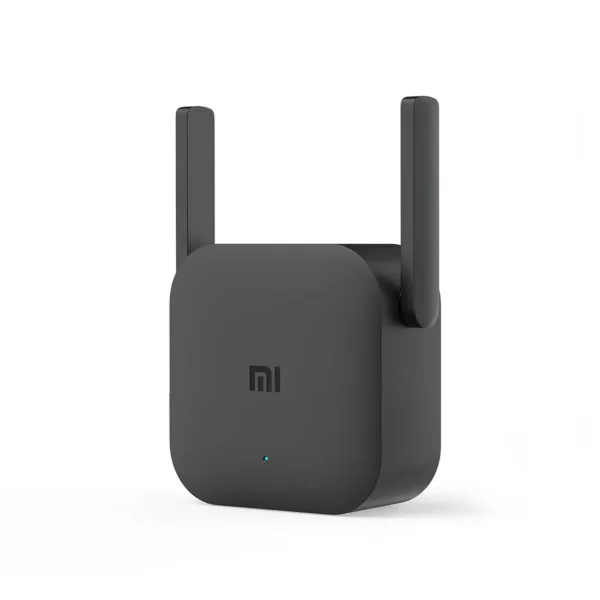
Xiaomi Mi WiFi Range Extender Pro
In stock
Diagnose the network before buying hardware
Replace or add a router when the main network device is the constraint. Use a range extender when the router is sound but one reachable area needs a stronger link. Choose mesh when several rooms or floors need coordinated nodes and smoother movement between access points.
The current range makes those roles visible: Mi Router 4A is the sole purchasable standalone router, four extenders cover basic through Wi-Fi 6 roles, and AX3000 NE is sold as one-, two- and three-node mesh packs. Placement and the connection between nodes can matter as much as headline wireless rate. Record the internet service speed, wall layout, Ethernet availability and current router model before selecting a topology.
Latest Networking Prices in Kenya 2026
| Product | Price in Kenya |
|---|---|
| Xiaomi Mesh System AX3000 WiFi 6 Router NE (1 pack)SALE | KSh 7,499 |
| Xiaomi Mesh System AX3000 NE, 3 PackSALE | KSh 19,999 |
| Xiaomi Mesh System AX3000 WiFi 6 Router NE (2 pack)SALE | KSh 13,999 |
| Xiaomi WiFi Range Extender N300SALE | KSh 2,199 |
| Xiaomi Mi Router 4ASALE | KSh 3,499 |
| Xiaomi Mi WiFi Range Extender ProSALE | KSh 2,499 |
| Xiaomi Mi WiFi Range Extender AC1200SALE | KSh 3,999 |
Frequently Asked Questions About Networking
Replace or reconfigure the router when the main unit is unstable, too old for the service or lacks needed features. An extender helps only when it can receive a useful signal from a functioning router.
Mesh is better suited to several rooms or floors that need coordinated nodes. An extender is often the simpler answer for one reachable dead zone. The better choice depends on layout, not on a universal product ranking.
Note the internet plan speed, current router model, weak locations, wall or floor obstacles, available Ethernet runs and the devices that need 2.4GHz or 5GHz access.
Usually not. It needs a stable connection back to the router, so position it between the router and the weak area where it can still receive a useful signal.
The one-, two- and three-pack listings represent node-count choices in the same AX3000 NE family. Select the count from the layout and whether nodes can use wired or wireless backhaul.