
Shop by category
TV Accessories
Replacement remote selection starts with the media player’s exact model and original remote part number. Bluetooth pairing and a similar button layout do not prove that one controller supports every Xiaomi TV Stick or TV Box generation. Compare voice control, infrared TV-power support, shortcut buttons and pairing instructions only after device compatibility is confirmed.
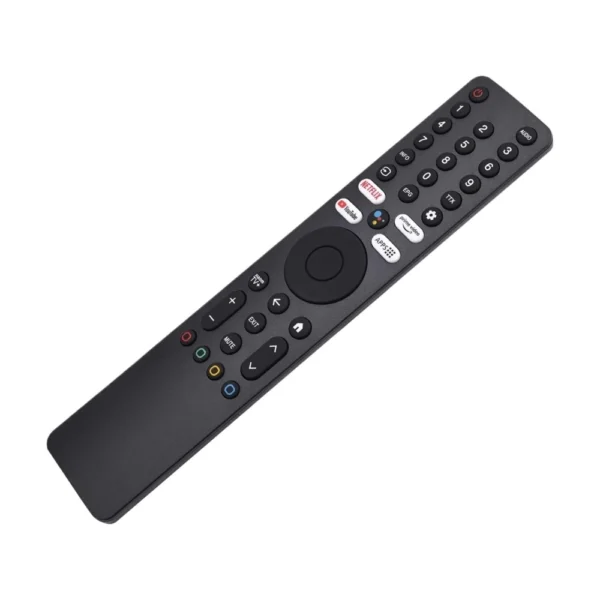 Sale
Sale
Xiaomi TV Remote
In stock
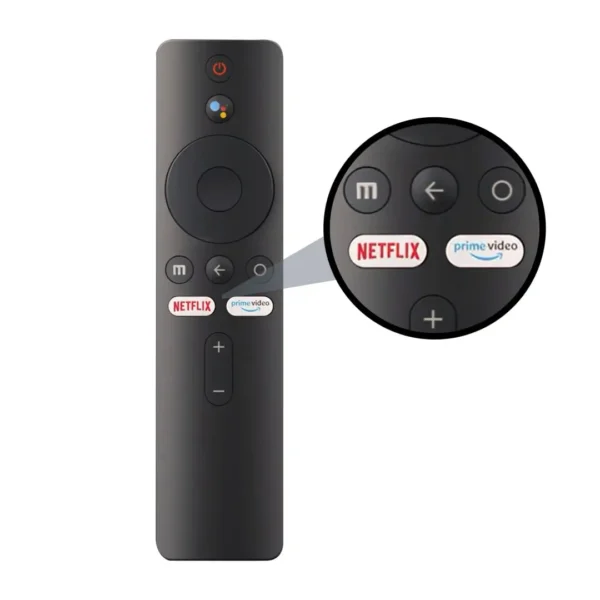 Sale
Sale
Xiaomi TV Stick/TV Box Remote
In stock
Prove the remote generation before pairing
Xiaomi media remotes can combine Bluetooth control for the player with infrared control for television power. Those functions vary by generation and region: Xiaomi documents ARPP and ARPJ remote variants for TV Stick HD 2nd Gen, for example. A listing that says “TV Stick/TV Box Remote” without an exact part number is not enough to promise universal fit.
Check the model printed on the streaming device and the label inside the original remote’s battery compartment. Compare the remote part number, button layout, Bluetooth or infrared functions and the manufacturer’s supported-device list. Follow pairing steps only after the hardware match is established.
Latest TV Accessories Prices in Kenya 2026
| Product | Price in Kenya |
|---|---|
| Xiaomi TV RemoteSALE | KSh 1,899 |
| Xiaomi TV Stick/TV Box RemoteSALE | KSh 1,499 |
Frequently Asked Questions About TV Accessories
No universal compatibility has been established. Remote generations can differ in Bluetooth profile, infrared support, firmware expectations and button mapping.
Record the media-player model, remote part number, button layout and whether television power uses infrared. Match those details with an explicit supported-device list.
Follow the pairing instructions for the exact player and remote generation, usually with the remote close to the powered device. Do not treat successful Bluetooth discovery as proof that every key or voice function is supported.