For Assistance

Chat to Order

In Stock

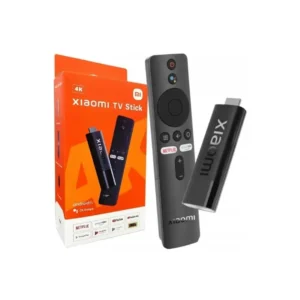
Xiaomi TV Stick/TV Box Remote

KSh 1,699

(VAT Excl.)

Features

  • Turn on the Xiaomi TV or Box manually
  • Place the controller close to the TV or Box
  • Wait for the pairing interface to appear on the screen
  • Release the button and wait for confirmation
  • Once pairing is successful, it’s ready for use
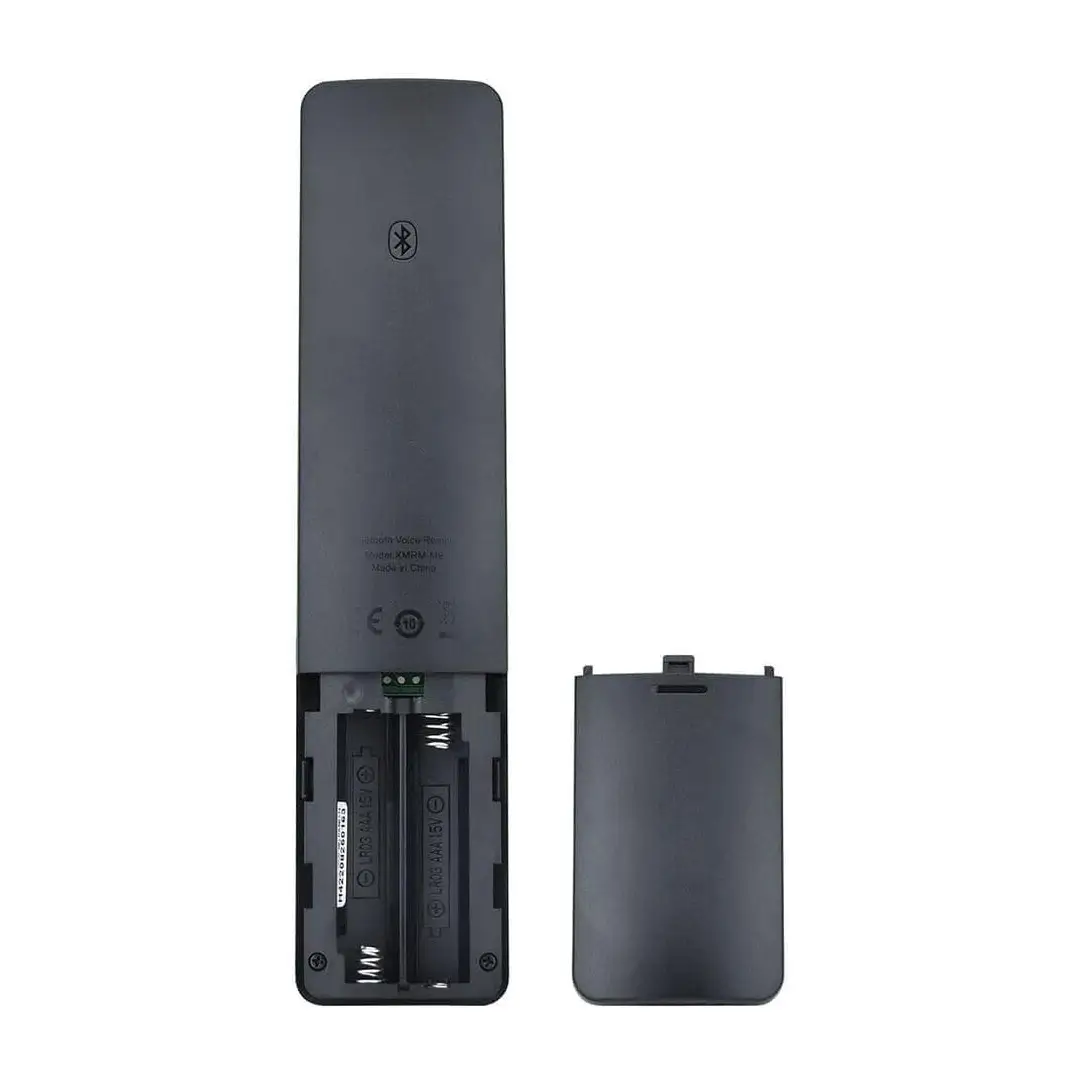
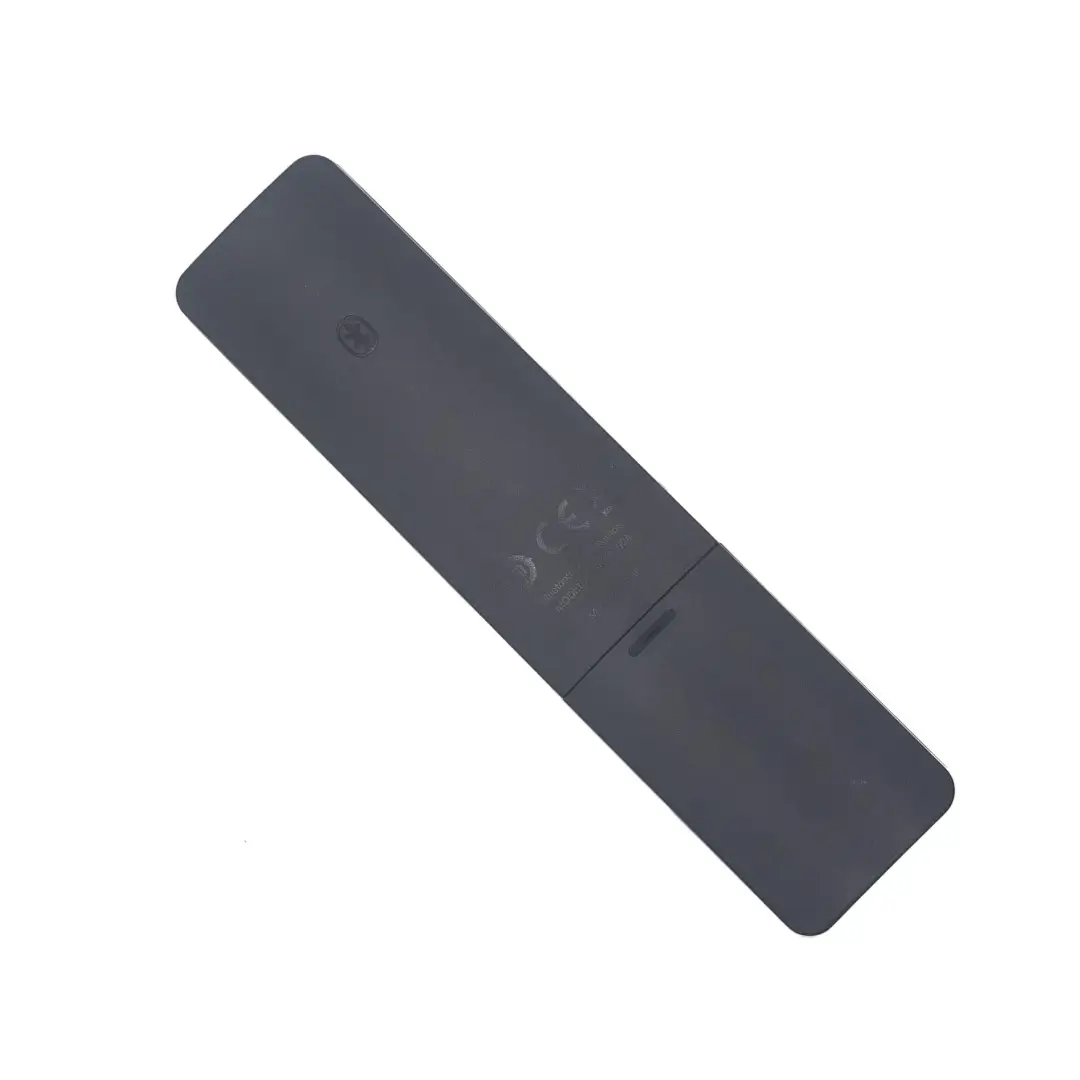
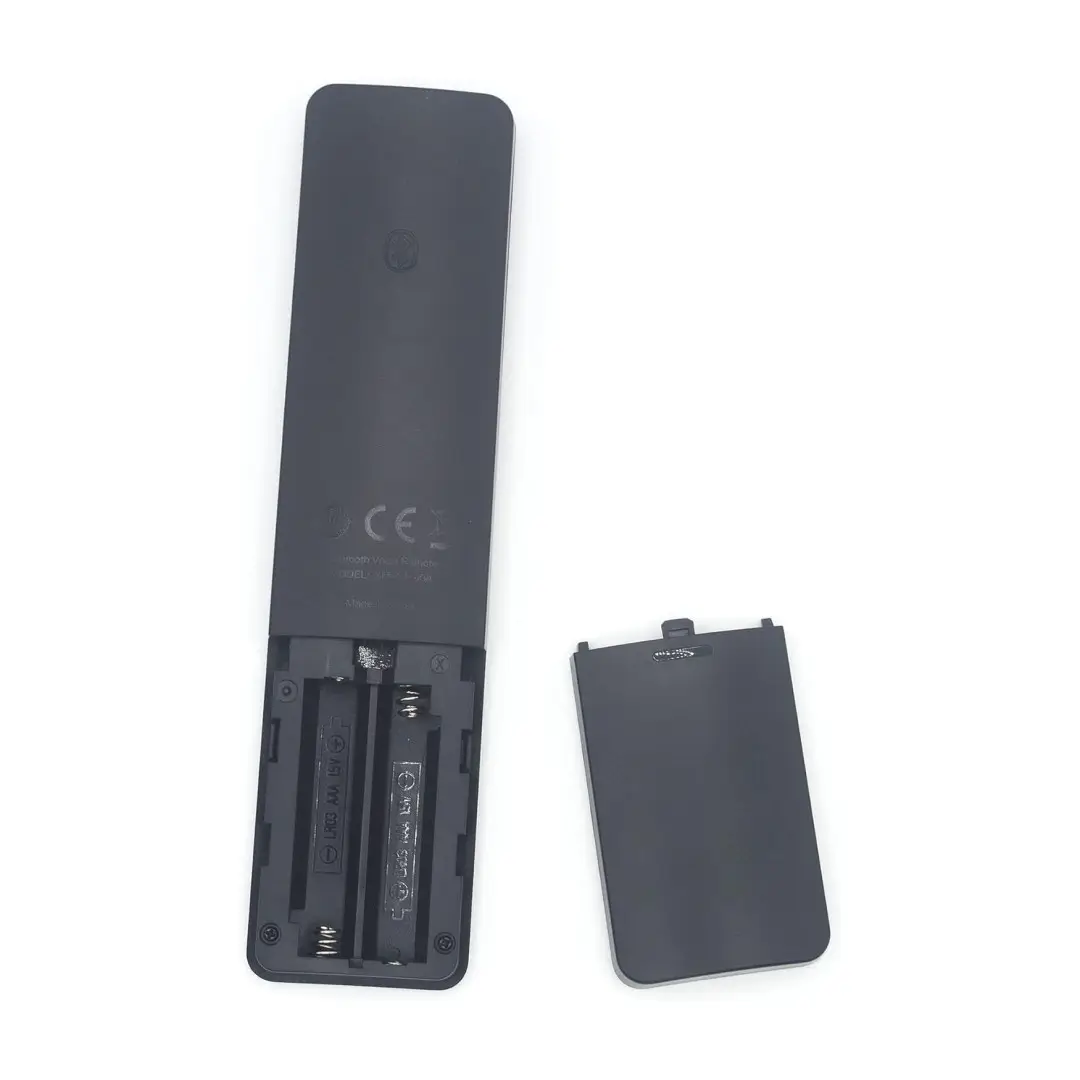
  • Powered by 2 AAA batteries (not included)

Enjoy Amazing Daily Offers with Warranty

  • 2 – 24hr Delivery: Fast, reliable service straight to your doorstep.
  • Shop & Get Today: Skip the wait, enjoy same-day delivery.
  • Repairs Made Easy: Call Xiaomi Stores Care: 0710 827 341.

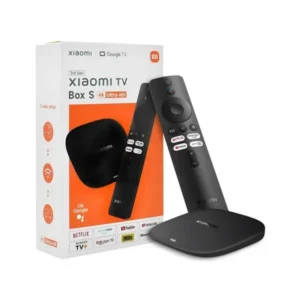
Xiaomi TV Stick/ TV Box Remote in Kenya

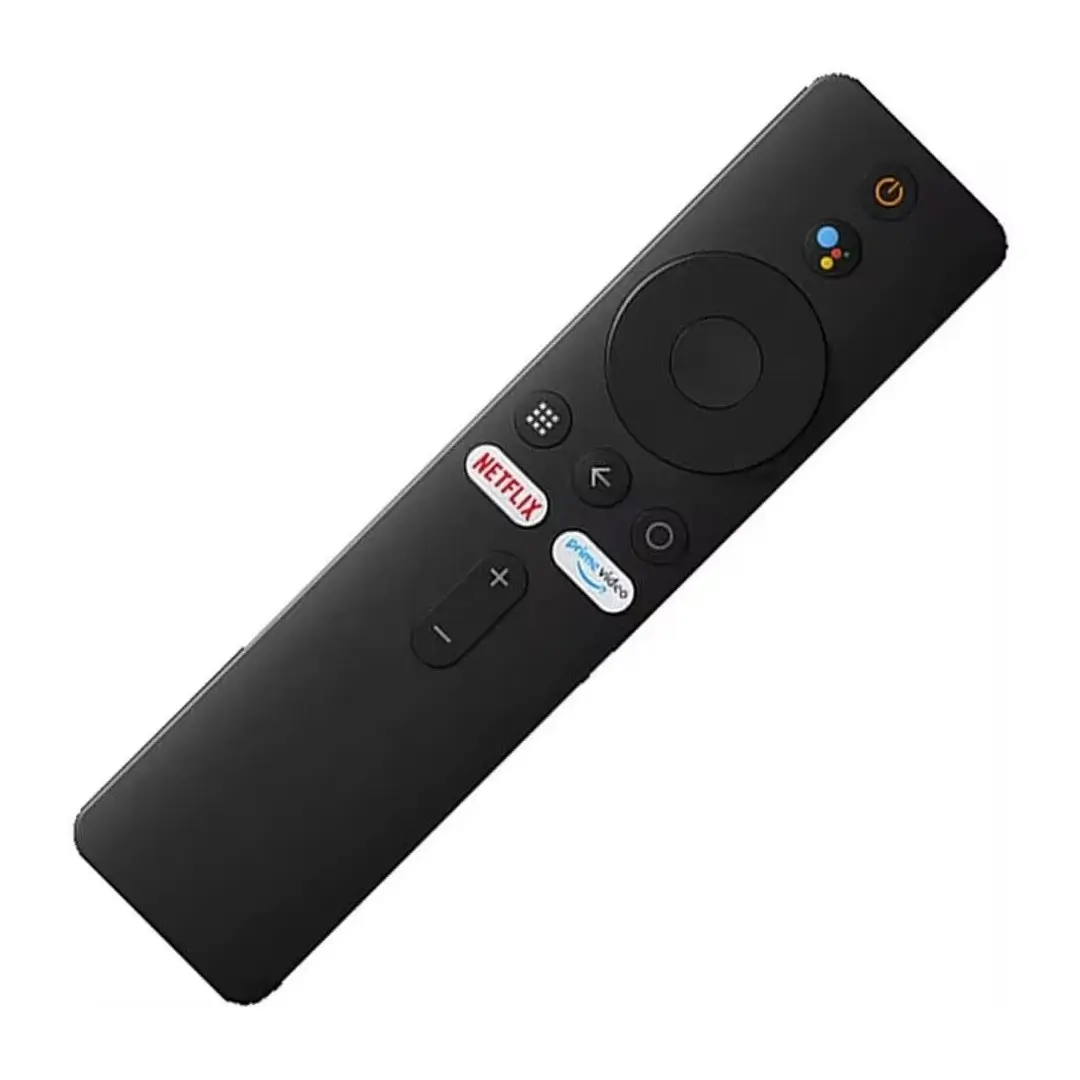
Xiaomi TV Stick/TV Box Bluetooth Voice Remote with Google Assistant, Netflix Shortcut, and Universal Compatibility for Mi TV Stick and Android TV Box.

The Xiaomi Mi Box S Bluetooth Voice Remote offers smooth and reliable control for Mi Box, Mi TV Stick, and Android TV devices, ensuring effortless navigation for a better viewing experience.

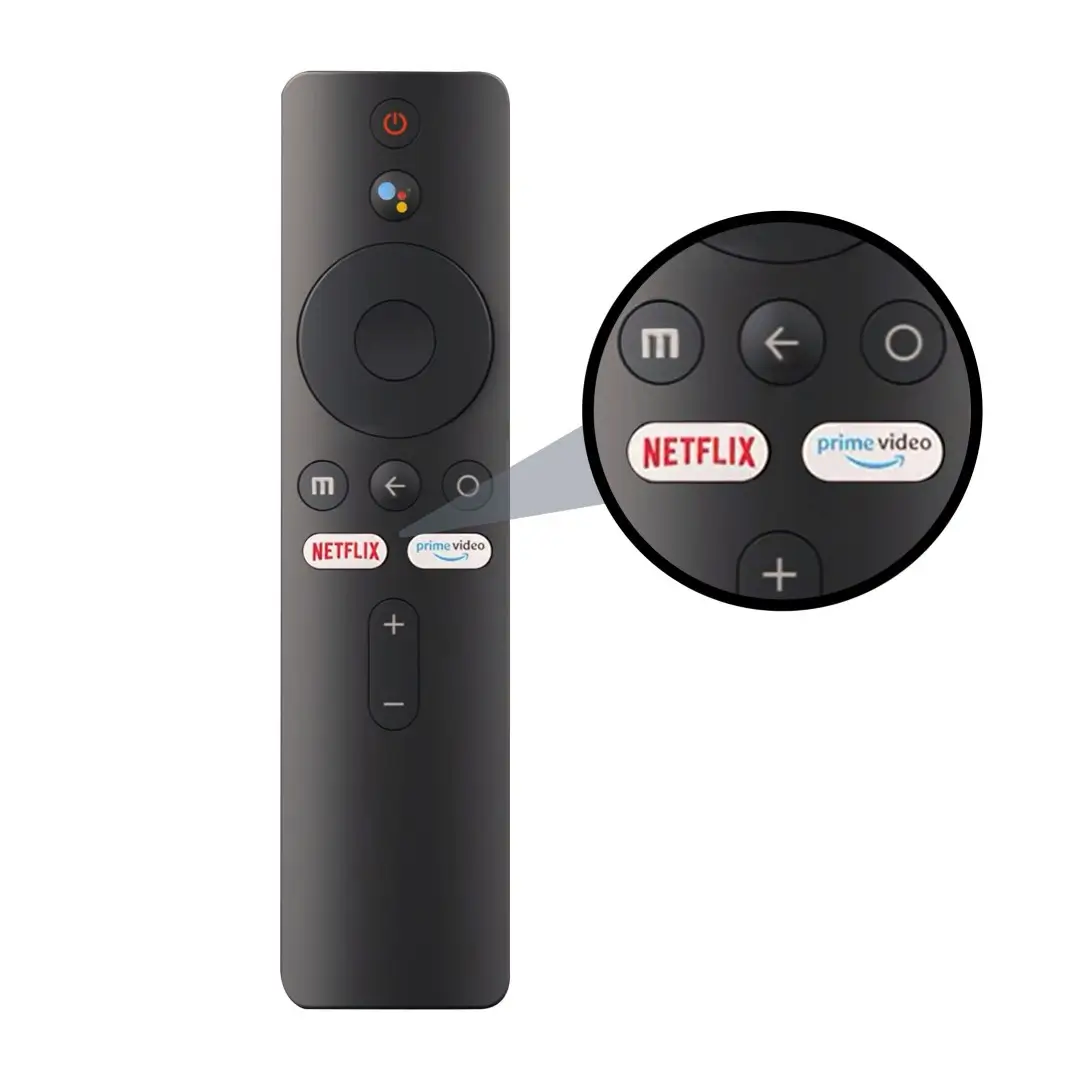
Use Google Assistant for quick voice commands. Press the mic button to search, open apps, or manage your TV hands-free.
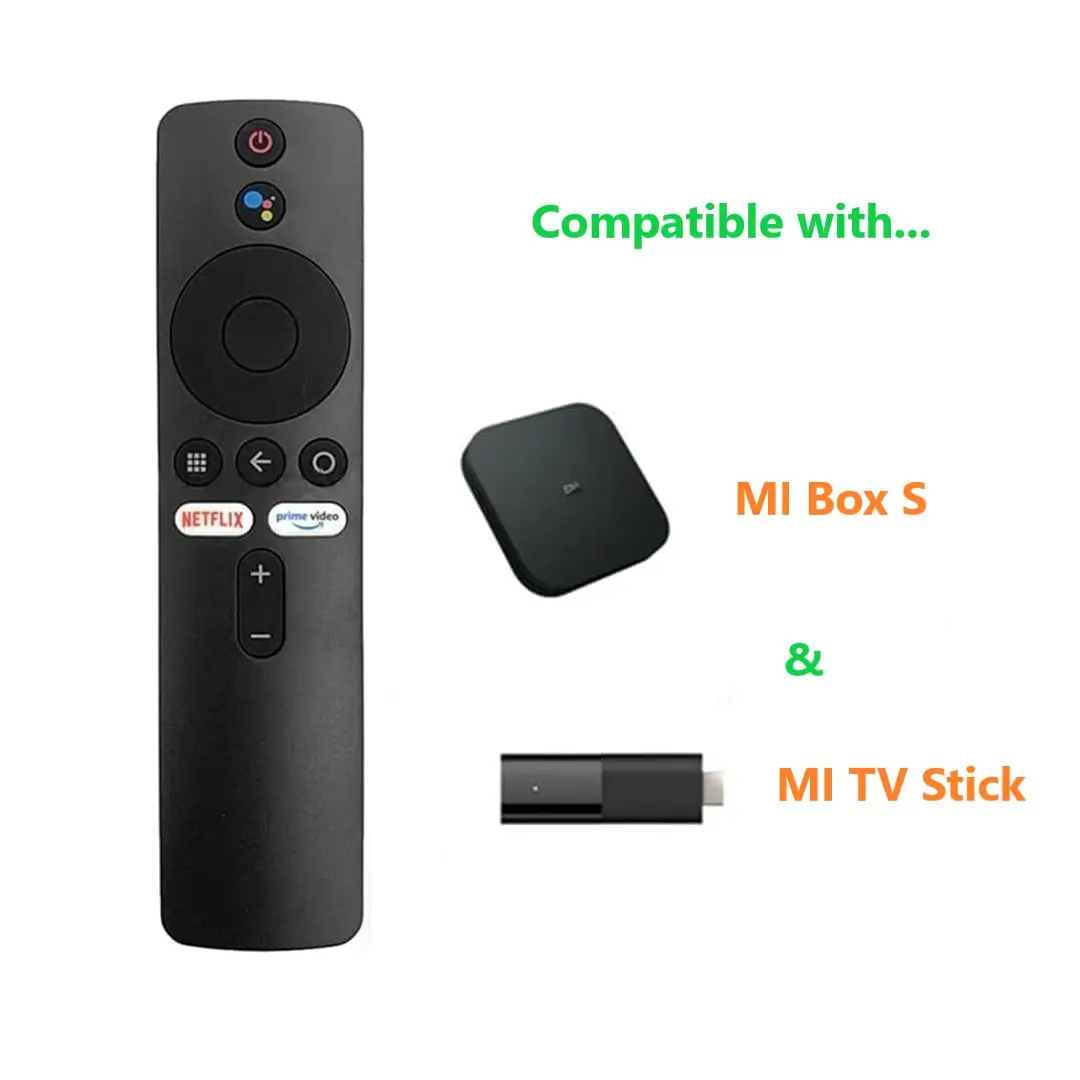
Xiaomi Bluetooth Remote for Android TV Stick and TV Box

Shortcut buttons for Netflix and Prime Video let you access your favorite content instantly, without scrolling through menus.

Bluetooth connectivity provides fast, stable pairing and wide compatibility, eliminating the need for direct line-of-sight like infrared devices.

Lightweight, ergonomic, and durable, it fits comfortably in your hand and serves as the perfect replacement for your Xiaomi TV Stick or Box setup.
  • Compatible with Mi Box, Mi TV Stick, and Android TV Box
  • Google Assistant for hands-free operation
  • Dedicated Netflix and Prime Video buttons
  • Fast Bluetooth pairing with wide coverage
  • Lightweight and durable design
  • Ideal as a replacement remote

Xiaomi TV Box Remote with Google Assistant Kenya

Item Details

Item Type Bluetooth Remote
Material ABS Shell
Color Black
Power 2xAAA Batteries (Not Included)
Weight Approx. 42g

Package List:

  • 1x Bluetooth Remote

How to Pair

Step 1: Insert two AAA batteries (positive side up).
Step 2: Go to [Settings] → [System Settings] → [Network] → [Bluetooth].
Step 3: Press any button to activate pairing mode.
Step 4: Select [Search Device] → [Xiaomi Bluetooth Remote].
Step 5: Wait for confirmation sound — pairing is complete.
Latest Products

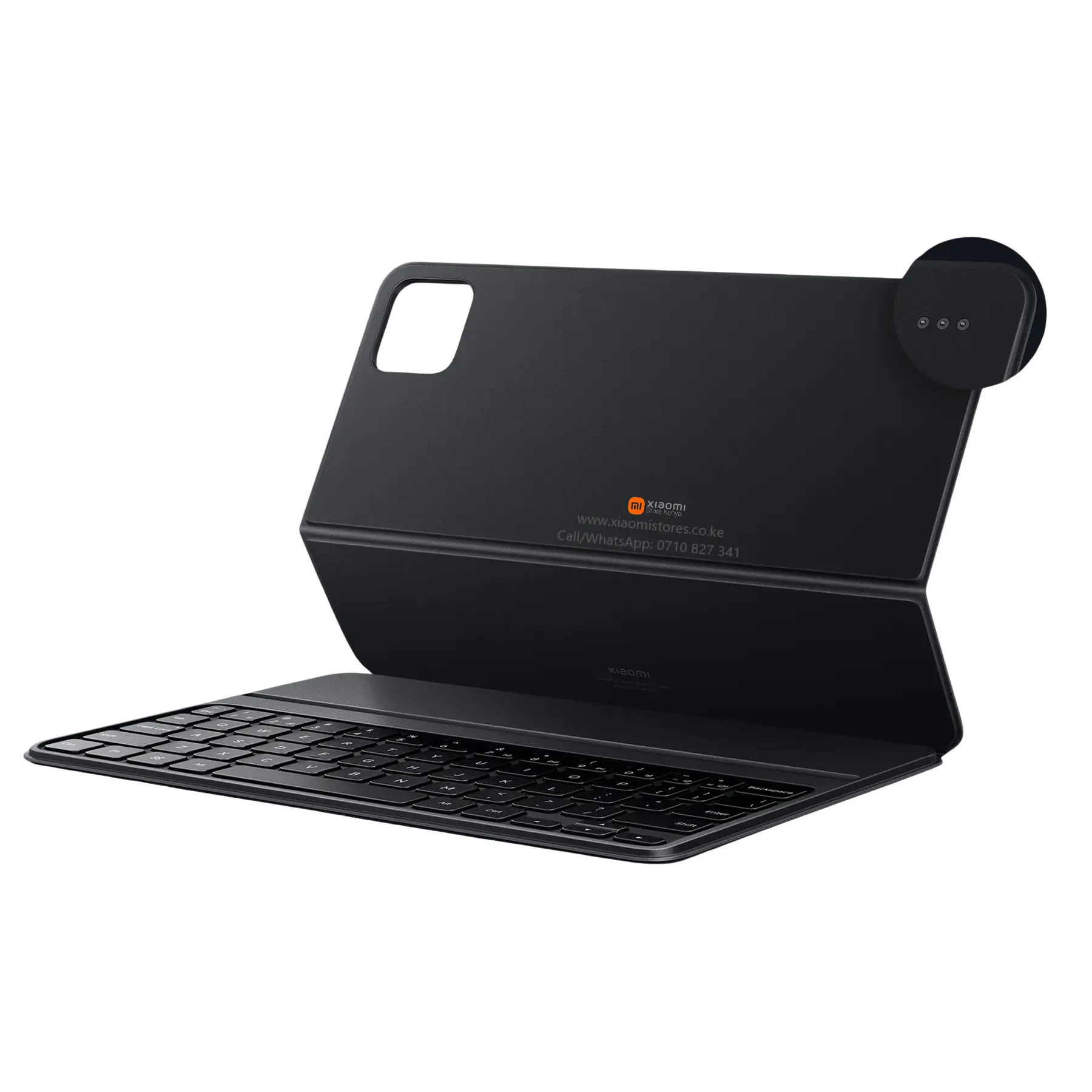
Magnetic Stand Rear View Xiaomi Pad 8 Pro Keyboard Laptop Mode

Xiaomi Pad 8 / 8 Pro Keyboard

Rated 0 out of 5
(0)

KSh 13,999 KSh 12,499 10.7% OFF

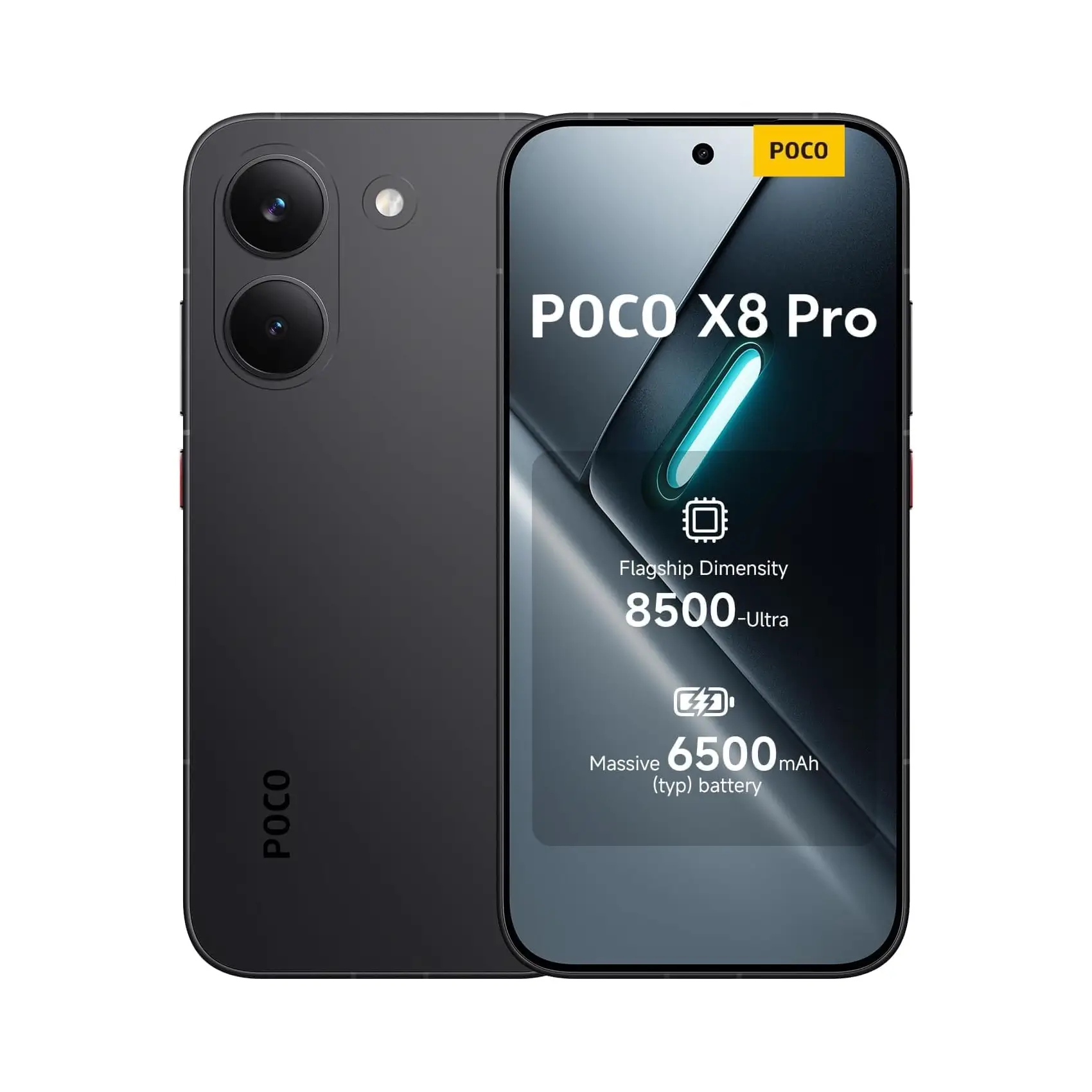
Front Display POCO X8 Pro Max Black Showing 8500mAh Battery Specs

Poco X8 Pro Max 12GB 256GB

Rated 0 out of 5
(0)

KSh 68,999 KSh 64,999 5.8% OFF

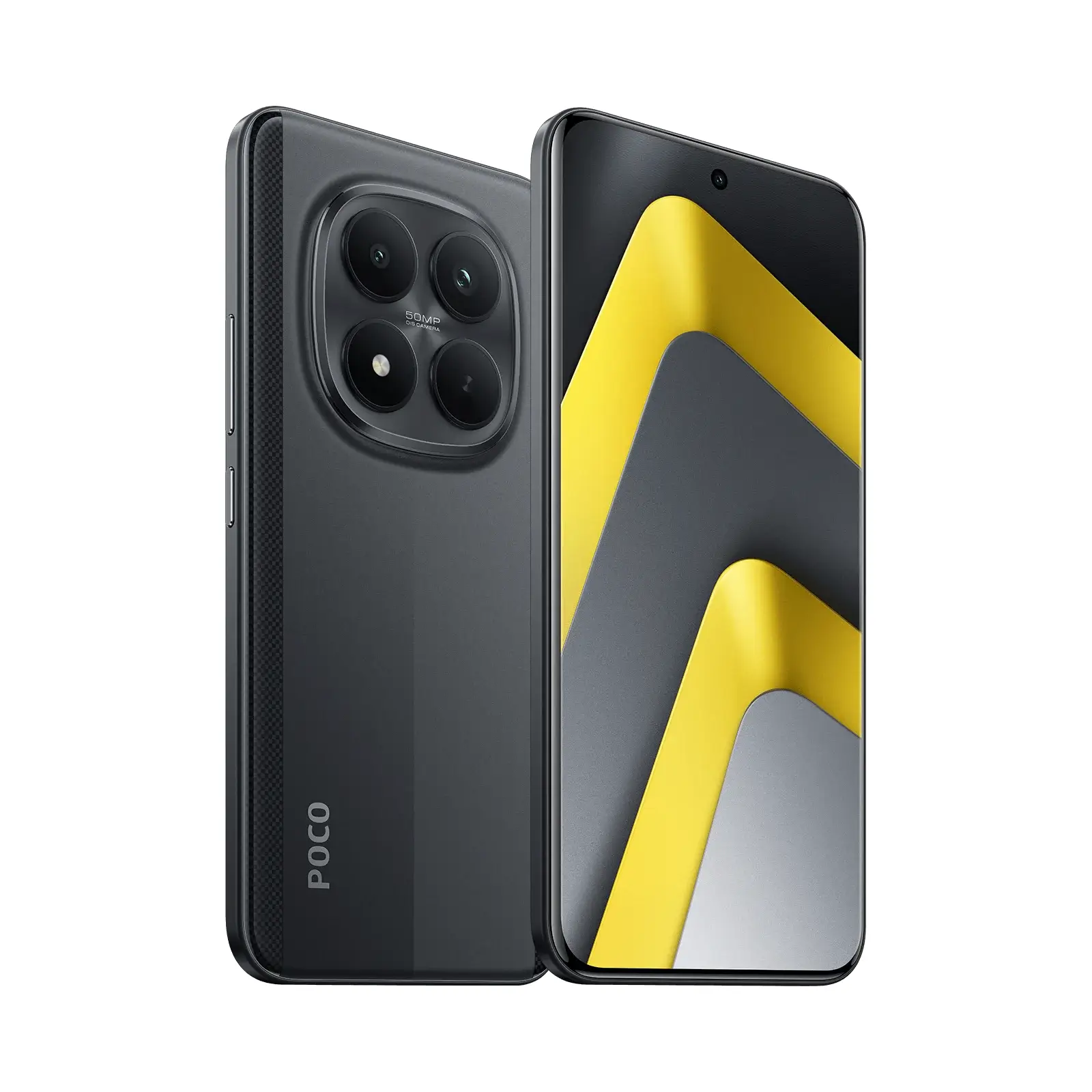
POCO M8 Pro 5G Price in Kenya 12 512GB

Poco M8 Pro 5G 12/512GB

Rated 0 out of 5
(0)

KSh 52,999 KSh 48,999 7.5% OFF

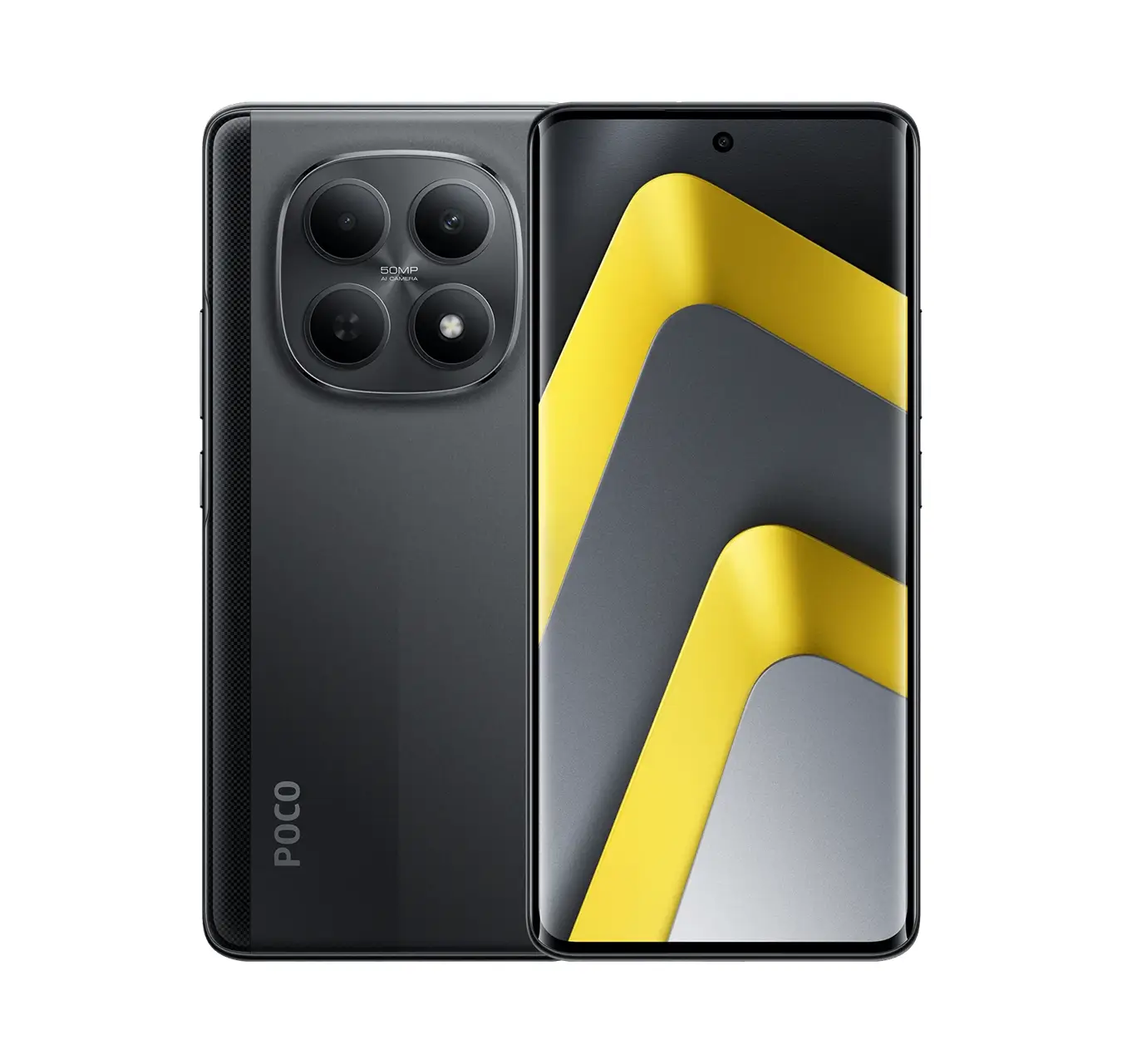
POCO M8 5G Front 8GN 521GB AMOLED Screen

Poco M8 5G 8GB 512GB

Rated 0 out of 5
(0)

KSh 36,999 KSh 34,999 5.4% OFF

Poco M8 256GB Price In Kenya

Poco M8 5G 8GB 256GB

Rated 0 out of 5
(0)

KSh 33,999 KSh 31,999 5.9% OFF

POCO F7 Pro 512GB 5G Price in Kenya Black 6.67 Inch Display

Poco F7 Pro 5G 12GB 512GB

Rated 0 out of 5
(0)

KSh 66,999 KSh 63,999 4.5% OFF